Co-designing a chart theme with AI agents
I was a senior designer at Observable from 2020 to 2026, and spent the last sixteen months working on the company’s AI integrations. By that point I’d watched our customers run up against the same problem for years: our data visualization tools could produce almost anything, but it was hard to get them to do so using your colors, your fonts, your visual identity. Customers asked for this as “theming”, and theming felt like the kind of problem an agent should be able to solve.
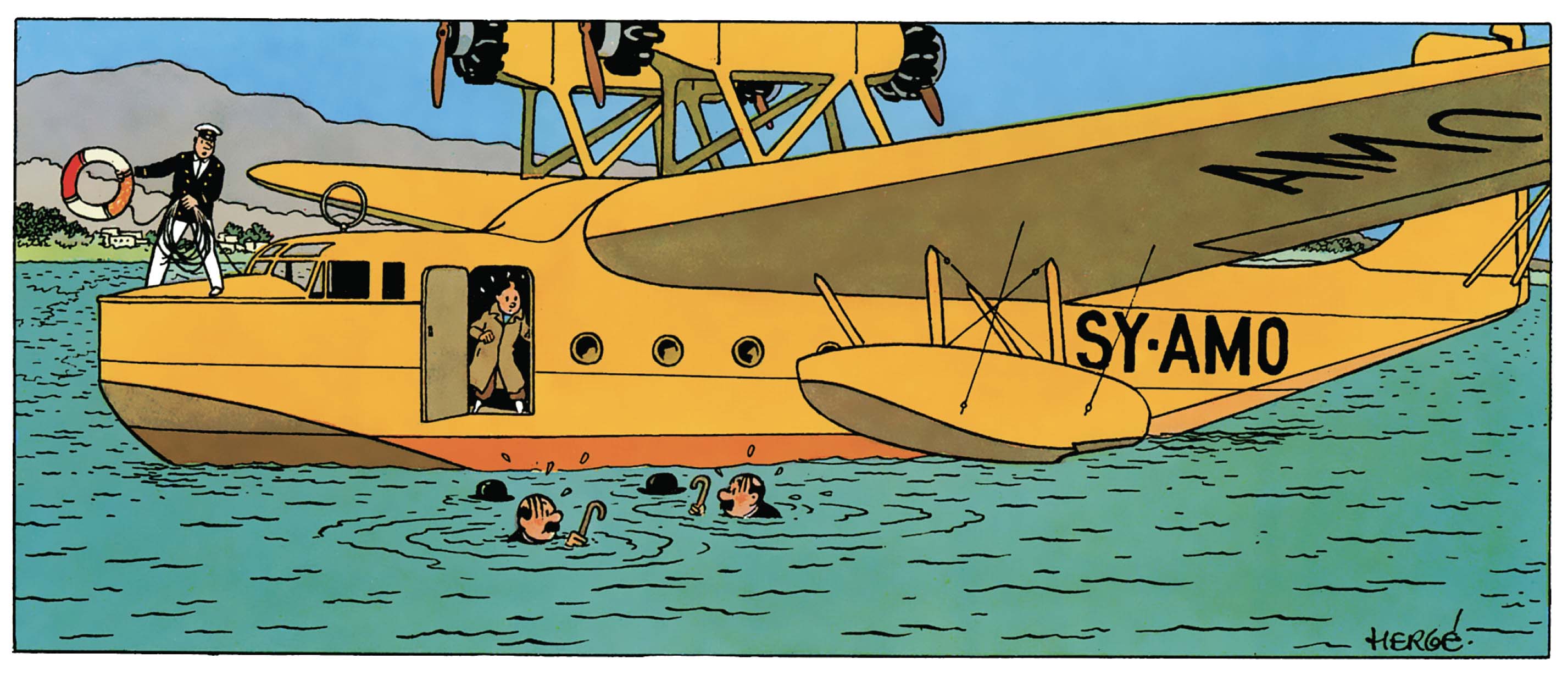
To test that I built a visualization theme from scratch, working with agents at every stage. The theme we built used D3’s standard output as a base, but introduced looser line styles, more generous spacing, and flatter colors. Something akin to the ligne claire style from Hergé’s Tintin comics.
Working together
To see how a theme might naturally evolve over time, I started by telling an agent Make me some charts in the style of a Tintin comic.
The agent made some charts, I gave feedback on what worked and what didn’t, and we codified the resulting rules in tintin-styleguide.txt. I then pointed a new agent at that file and told it to make some charts. Again I provided feedback, and this time we kept the rules that worked, modified what didn’t, and created new ones as needed.
Adding a visual debug mode to the charts (Figure 2) helped catch any layout mistakes, and let agents better “see” the issues themselves. Curiously I’ve found that when agents fail to understand the placement of something relative to the whole, they’re often able to understand its position relative to another object that they’re confident about. In this case agents could better understand that text was misplaced when they assessed it against the debug layers, vs. other chart elements.
Not every problem could be efficiently solved by giving textual feedback or helping the agents see better. Figure 3 shows a pretty complicated bubble chart with 189 data points in it, some of which are labelled. I initially asked the agent to create and place those labels, but AIs rarely do well with such subjective tasks. Instead I used a technique I’ve grown fond of, where the agent creates an interactive mode for the graphic, I place the elements by hand, and then it hardcodes those values into the work.
Try it out for yourself. Click the “Edit labels” button, select any dot to add a label, and place it where you like. Click Save to exit.
You’ll notice that each leader line runs from the center of its bubble to the center of one face on its label. Picking which face the line should connect to is an easy task for a human, but the agent struggled to consistently produce results that felt correct.
Since the agents couldn’t develop the right intuition, I made mine explicit, encoding it as logic that they could apply. Figure 4 demos the final model which picks the two most likely target faces, then selects the one whose leader line deviates least from being perpendicular to that face. Try dragging the labels around to see that decision being made in real time.
Error reduction strategies
My biggest concern for the success of the project was the mercurial nature of agents. In every round of testing an agent would ignore one or more aspects of the guide, and no amount of encouragement in the prompt would prevent it.
Each time the agent would ignore a rule I’d ask it where the fault lay: with it, or with some ambiguity in the style guide? More often than not the agent would say I’m sorry. I just forgot to read the whole thing.
My first breakthrough came when an agent added on to that response by saying it had taken tintin-styleguide.txt as a suggestion, rather than a set of rules. I asked it Since you’re trained on a lot of code, would you have followed the rules more closely if they were part of a spec, instead of a guide?
Absolutely
it replied.
I renamed the file tintin-spec.md, re-titled it “Tintin Rendering Specification”, and had the agent rewrite its preamble in that vein. The error rate dropped immediately.
My second breakthrough came from improving the actual code. I asked an agent to walk me through its decision tree when making a chart, and from its description I realised the API had been built atomically. Each piece of chrome had its own function call, and the agent had to keep related calls in sync for the whole thing to work properly.
I had it rebuild the API as a declarative layout function, so the chart’s contents were declared once, and then the padding, positioning, and rendering were all derived from that single declaration. This greatly reduced the ways in which an agent could make a mistake.
With that the last of the “lazy” errors were gone and agents reliably produced charts that adhered to our theme.
My final problem was that as tintin-spec.md grew in complexity its agent ingest time also increased — reaching over three minutes at its peak. After a number of cycles with Claude Code I came up with a prompt that reduced that load time to under three seconds.
By the end of this process I had a 1,500 line design spec that loaded quickly, and which agents could reliably follow to produce charts that met my requirements.
The finished theme
The resulting theme has 16 color palettes, each based on a Tintin book. Each palette has two complementary main colors, with additional colors generated reliably and predictably as needed.
The lines in charts have a subtle wiggle to them. It’s not very sophisticated, and I have plans to replace it with a better model, but it works for now. Circles are drawn using low-frequency harmonic modulation to produce smooth shapes that bulge and contract around their centers.
You can experiment with both effects by changing the sliders at the top of Figure 5.
Here are some of the chart types that the theme can handle. Zoom in for a closer look. Use the debug mode to see how everything’s put together (and reveal where there’s room for improvement).
A note on working with agents
While working through this project I found that collaborating with agents is mostly about calibrating the specificity of your instructions. Casual direction with natural language is great as long as it gets you what you want. When that stops working you have to offer up something more specific, like a constraint or a spec. And when text can’t capture what you mean, you change mediums and communicate physically, doing the work by hand and letting the agent record the results.
The trick is in recognizing those boundaries and knowing what to do when you hit one.